Yes, Your Phone Can Photograph This Desert Sky
Joshua Tree National Park is a certified International Dark Sky Park[1], and once the sun drops behind the boulders, that certification shows. The park maintains four designated stargazing areas, the parking lots at Quail Springs, Hidden Valley, Cap Rock, and Ryan Mountain[2]. On a clear, moonless night the Milky Way's core arcs directly overhead, bright enough that your eyes adjust and the boulder piles around you start throwing faint shadows.
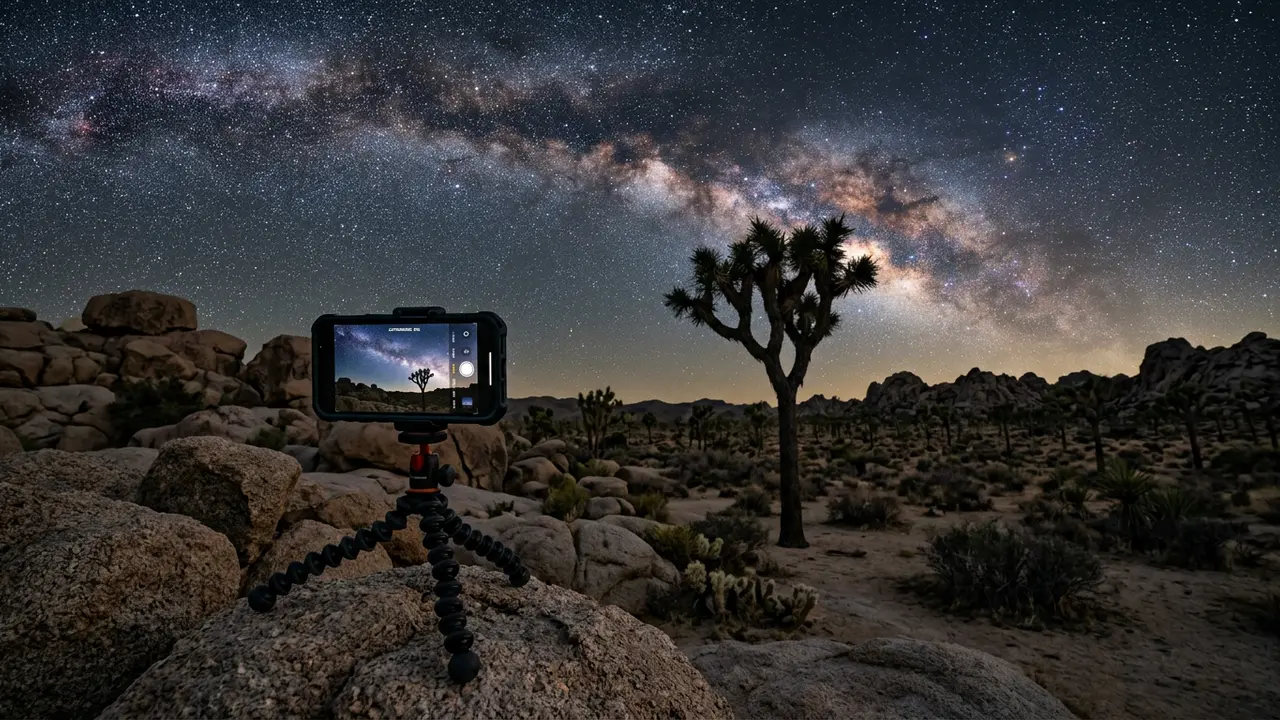
Photographing that with nothing but a phone used to mean a black rectangle and a lot of grain. Night mode and its more capable sibling, Astrophotography mode, changed that. Both are already built into the camera app on the phone in your pocket, and both are designed for skies exactly this dark. Neither turns a smartphone into a dedicated astro rig: you won't get the pinpoint stars, deep color, or dynamic range a mirrorless camera and star tracker can pull off. What you will get, with almost no gear and about ten minutes of setup at one of the park's four lots, is a photo that actually shows the sky you stood under instead of a smear of digital noise.
This guide sticks to what a phone alone can do at Joshua Tree: which mode to trust, how to keep the shot sharp without real camera gear, how to compose around the park's boulders and Joshua trees, and how to manage cold-night battery care. For where to go and when, the stargazing in Joshua Tree National Park hub covers seasons, moon phases, and where to stay.
Night Mode and Astrophotography Mode: iPhone vs Pixel
Both of the two dominant phone camera systems handle this the same rough way: point the camera at a dark sky, hold it still, and let a computational-photography mode do the heavy lifting. The details, and the maximum length of a single exposure, differ enough between iPhone and Android that it's worth knowing which one you're holding before you're standing at Ryan Mountain after dark.
On iPhone 13 and later, mounting the phone on a tripod and pointing it at a genuinely dark sky triggers a dedicated Astrophotography mode inside Night mode automatically, no toggle to hunt for[3]. Apple's own guidance on what makes or breaks the shot is blunt: use a tripod[4]. Handheld, the same long exposure that pulls faint stars out of the dark also records every micro-tremor in your hand as a streak across the frame.
Google's Pixel line asks the same thing of you but works differently underneath. Swipe the Night Sight control slider to Astro[5] and the shutter changes to Astrophotography mode, with a built-in timer to give you time to set the phone down before the exposure starts. From there, rather than one long exposure, the phone fires 16 separate images, each a 16-second exposure, and merges them into a single photo[6]. That stacking is what keeps the result relatively clean instead of grainy: averaging several shorter exposures cancels out a lot of the noise one long exposure would collect. Recent Samsung phones run their own RAW-capable astro mode through their camera app; the menu wording differs by model, but the same rule holds across all three brands, dark sky, still phone, patience.
16 exposures
Keeping the Phone Dead Still: Tripod Tricks for the Desert
A three-minute iPhone exposure or a 16-shot Pixel sequence only works if the phone doesn't move for the entire time it's collecting light. For either mode to do its job at Joshua Tree, the phone needs to stay dead still for the whole exposure, since the same long shutter that gathers a faint Milky Way core also turns the smallest hand tremor into a blurred streak across every star in the frame.
A cheap universal phone-tripod clip, the kind sold for selfie sticks, screws onto almost any lightweight travel tripod and packs down small enough to live in a jacket pocket for the drive out from Los Angeles or Palm Springs. No tripod in the car? Joshua Tree hands you a backup plan for free. The park's boulder piles and its namesake trees double as natural camera rests: a flat rock face, the crook of a low branch, even the hood of a parked car at one of the four designated lots works, as long as the phone sits level and doesn't rock in the wind.
- Use the volume button or a wired earbud's remote as a shutter release, since tapping the screen can nudge the phone enough to blur a multi-second exposure
- Turn on the self-timer, two or three seconds is plenty, for the same reason
- Wedge the tripod's legs against a boulder or brace them with a hand on the tripod itself, not the phone, right before the shutter fires
- Check the result immediately and reshoot if you see blur; a second attempt costs a few seconds, not a ruined night
Featured · Destination
Joshua Tree National Park
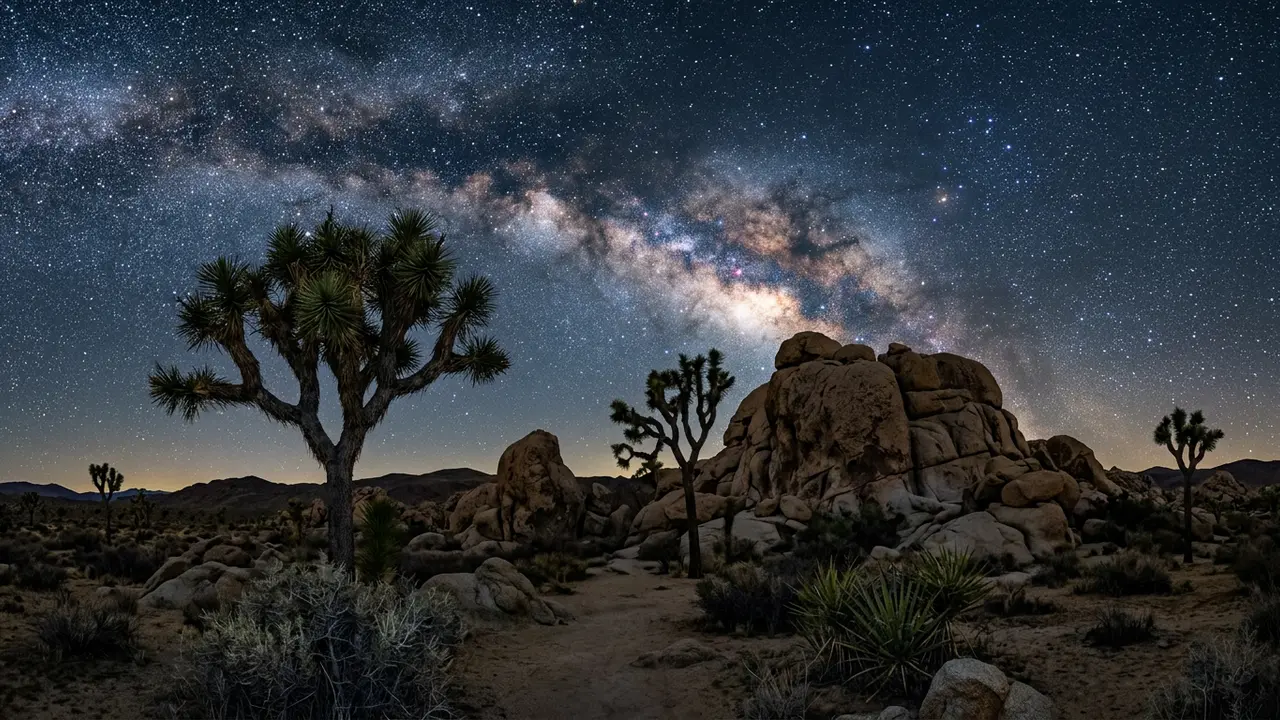
Joshua Tree earned International Dark Sky Park status in 2017, just two hours from LA. Here's where to see the Milky Way, dodge crowds, and stay the night.
Framing around the park's own landmarks does double duty: a Joshua tree's spiky silhouette or a rounded boulder stack gives a phone photo something to anchor on besides an empty field of stars. The best stargazing spots in Joshua Tree covers which of the park's viewpoints give the cleanest sightline to the galaxy's core without a parking-lot light creeping into the corner of the frame.
Cold Desert Nights and a Draining Battery
Joshua Tree's desert setting means blistering days and often surprisingly cold nights, and a smartphone's battery does not like the cold. Lithium-ion batteries run on a chemical reaction, and that reaction slows down as the temperature drops, which is why a phone that reads comfortably charged in a warm car can lose a meaningful chunk of that charge once it's been sitting open on a tripod for twenty minutes of long-exposure shooting.
- Keep the phone in an inside jacket pocket between shots rather than leaving it mounted the whole session; body heat protects a battery better than any case
- Carry a portable power bank, ideally kept warm in the same inside pocket, rather than counting on one charge to last a full night of shooting
- If the phone stops responding to touch or the screen goes dark, warm it against your body or in a car with the heater running for a few minutes before trying again; most cold-shutdown phones come back close to the charge they had before
- Switch the phone to airplane mode, since most of the park's dark-sky lots have weak or no signal, and a phone hunting for one burns battery for nothing
A phone's smaller battery feels the desert chill faster than a dedicated camera's would, but the fix is the same one that applies at any high-desert dark-sky site: keep it warm, keep a backup charge close, and don't trust a battery reading from inside a warm car once the phone's outside on a tripod.
Framing the Shot: Boulders, Joshua Trees, and Manual Focus
A frame full of stars and nothing else reads like stock photography. What turns a Joshua Tree night shot into something worth keeping is the same thing that works for any landscape: give the eye a foreground to land on before it reaches the sky.
The park hands you that foreground for free. A Joshua tree's spiky silhouette, a stack of monzogranite boulders, or the dark line of a distant ridge, any of them anchors the frame and gives the Milky Way something to arc over instead of floating in empty space. Keep the horizon low, roughly the bottom third of the frame, so the sky gets the room it needs.
Recommended tours
Tours are selected for quality, not commission. I earn a small fee if you book — at no extra cost to you.
Autofocus is the other thing that quietly ruins phone night shots. In near-total darkness a phone hunts for something to lock onto and often fails, leaving the whole frame soft.
Featured · Article
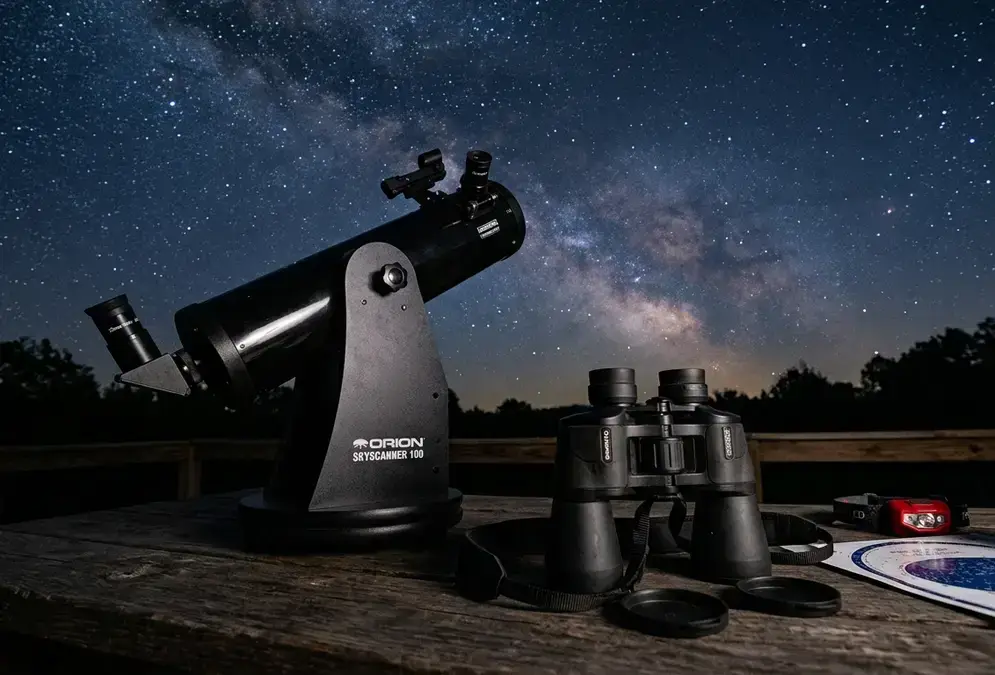
Stargazing Gear for Beginners: Binoculars to Telescopes
New to stargazing gear? This guide breaks down binoculars, telescopes, and smart telescopes, so you know what to buy first and what to skip for right now.
- Tap and hold on the brightest star or a distant light to lock focus manually, rather than trusting autofocus to find it in the dark
- If the camera app offers a manual or Pro mode, switch to it and set focus to infinity by hand, checking the result by zooming into the preview
- Reframe after locking focus if needed; most phones let you drag the focus point without losing the lock
- Take a couple of test shots and zoom into the actual stars, not the thumbnail, before committing to a full session at one spot
Shooting in RAW format, where the camera app offers it, keeps far more shadow and highlight detail than a compressed JPEG, room that matters once you start pulling up contrast on the Milky Way afterward. A basic edit in whatever photo app is already on the phone, shadows up, contrast up slightly, white balance nudged toward neutral, does most of the work; there's no need for the heavier processing a dedicated astrophotographer runs on stacked long-exposure frames.
Timing It Right: Moon Phase, Red Lights, and a Simple Checklist
Even perfect settings can't fix a bad night. The general rule of thumb for night-sky phone photos is simple: wait for full darkness and avoid a full moon, which applies just as well at Joshua Tree as anywhere else. A full moon washes out the same faint detail a phone camera is already straining to gather, so check the moon phase before you plan the trip, not after you're standing at Quail Springs with a blown-out frame.
Where you point your light matters almost as much as when you shoot. The National Park Service asks visitors to use red lights only, since regular flashlights can be turned into red lights by covering them with red cellophane, tape, or fabric[7]. A white headlamp doesn't just wreck your own night vision for the next twenty minutes; it wrecks it for everyone else's long exposure at the same lot, and it can show up as an unwanted flare in someone else's frame from thirty yards away.
- A recent smartphone with Night mode or Astrophotography mode
- A small tripod or phone-tripod clip, or a plan for propping the phone on a boulder or car hood
- A portable power bank, kept warm in an inner pocket
- A headlamp or flashlight with a red-light setting
- Airplane mode turned on at any of the four designated lots, where signal is weak anyway
If a night or two with a phone leaves you wanting the sharper, more colorful shot only a dedicated camera and star tracker can pull off, Joshua Tree astrophotography gear picks up exactly where this guide stops.