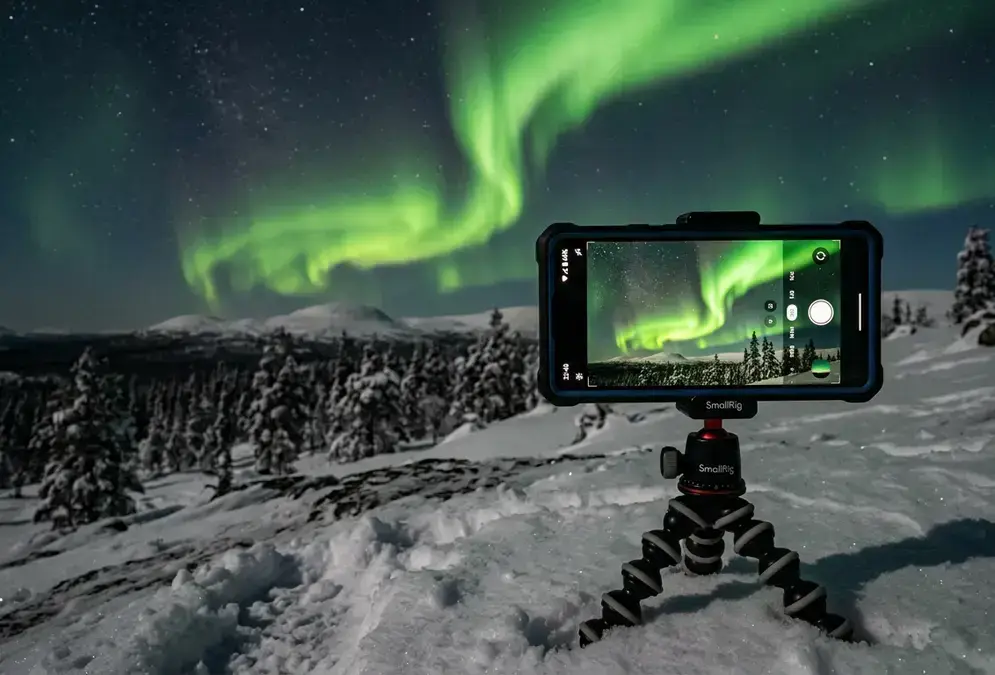
Can Your Phone Actually Capture Lapland's Aurora?
Yes, if the aurora is doing more than a faint grey smear near the horizon. Computational photography is why: instead of one long exposure, your phone fires a burst of shorter frames and merges them into a single bright image, a process sometimes called frame stacking. On an iPhone 11 Pro or newer, this happens automatically through Night Mode. On a Samsung Galaxy, you get the same computational boost, plus manual control if you switch into Pro Mode.
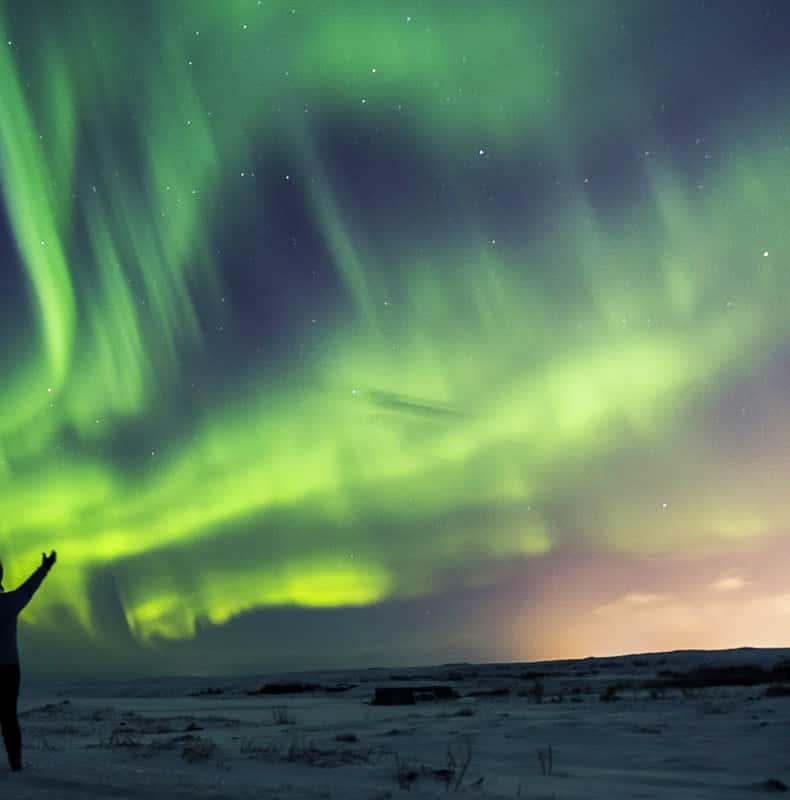
The catch in Lapland is the same catch everywhere: activity level, not phone model. A vivid, dancing green curtain over a fell or a glass igloo roof photographs well on almost any flagship released in the last four years. A pale, barely visible glow you can only confirm by looking away and letting your eyes adjust is a different story. Weaker auroras are nearly impossible to photograph with a phone camera, since the same noise reduction that brightens the frame also amplifies grain until the image looks closer to static with a green tint[1].
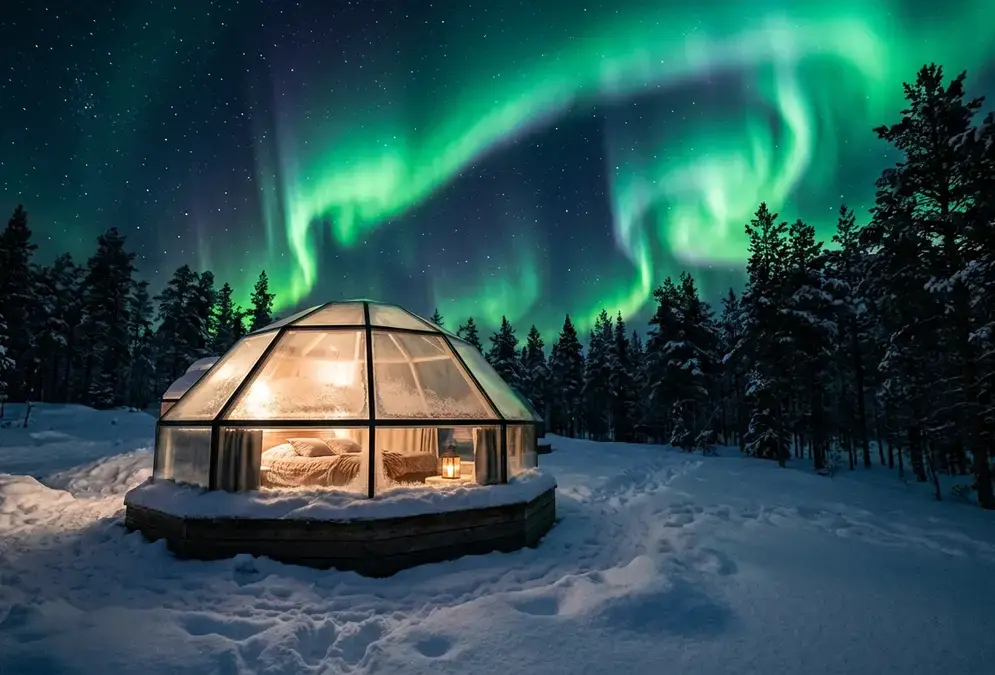
Featured · Destination
Northern Lights in Finnish Lapland
Finnish Lapland's whole-region aurora guide: glass igloos, Santa Claus Village, six bases from Rovaniemi to Inari, aurora season Sep–Mar, no road drama.
Before worrying about settings, check the best time to see northern lights in Lapland so you're standing under an active sky in the first place. No setting in this guide rescues a night with nothing overhead to photograph.
iPhone Night Mode Settings for Aurora in Deep Cold
Open the Camera app, point it at the sky, and Night Mode usually engages on its own once the scene is dark enough. The exposure time it picks by default is often too short for a moderate display, so tap the crescent-moon Night Mode icon in the top-left corner and drag the slider to extend it. For most aurora scenes, 5 to 10 seconds produces a usable frame; on newer models the slider goes up to roughly 30 seconds if a fainter display calls for it.
Shoot in RAW if your phone supports it; a RAW or Pro RAW toggle is usually found in Settings > Camera > Formats. A RAW file holds onto more color and shadow detail than the compressed JPEG your camera saves by default, useful for recovering the faint purple fringe at the edge of a green curtain later on a laptop.
A few habits separate a sharp photo from a green blur:
- Turn the flash off completely, not just to auto
- Lock focus by tapping the brightest star in the frame and holding for a second
- Brace the phone against something solid right before you tap the shutter; Night Mode's stacking smooths some shake, not a full tremor mid-burst
If your phone predates the iPhone 11 Pro, it lacks the computational Night Mode built for genuinely low light[2], and results will be limited no matter what settings you try. Borrowing a friend's newer phone does more for your photos than any setting here.
Samsung Galaxy Pro Mode and Astrophotography Features
Samsung's stock camera app tucks a Pro Mode into its mode carousel, and it's the closest thing to a real manual camera Samsung ships on a phone. Swipe over and you get direct sliders for ISO, shutter speed, white balance, and exposure compensation.
For aurora, start here: ISO 800 to 1600, shutter speed 5 to 10 seconds, and manual focus set to infinity. If the display is faint, push shutter speed toward the long end before pushing ISO higher; a longer exposure gathers more real signal, a higher ISO mostly adds grain.
Galaxy S21 and newer models carry dedicated astrophotography features beyond basic Night Mode, and the S25 Ultra adds preset 4, 7, and 10-minute long exposures built specifically for star and aurora trails[3]. Those presets need an extremely stable tripod; any vibration causes streaking, and the aurora's own motion will streak across a multi-minute exposure regardless of how still you hold the phone.
| Setting | iPhone Night Mode | Samsung Pro Mode |
|---|---|---|
| Exposure | 5-30 seconds, auto-detected | 5-10 seconds, set by hand (S25 Ultra: 4/7/10-min presets) |
| ISO | No manual override | 800-1600, manual slider |
| Focus | Tap a star to lock | Manual ring, set to infinity |
| Best for | Fast setup, bright displays | Fine-tuning color and faint-to-moderate displays |
One quirk worth knowing before you're standing in the cold fumbling with sliders: Night Mode over-brightens shadows and washes out aurora hue, while Pro Mode preserves color better at the cost of doing the work yourself. Non-Samsung Android phones vary; Google Pixel's Night Sight works on a similar automatic principle to iPhone Night Mode, and phones without any manual mode benefit from a third-party manual-camera app.
Cheap Tripods and Phone Mounts That Survive -30°C
Bare hands won't hold a phone steady enough for a 5-second exposure without blur, and that's before Lapland's cold makes your grip shakier than usual. A tripod isn't optional for phone aurora photography; it's the single biggest factor separating a sharp photo from a smear.
Recommended tours
Tours are selected for quality, not commission. I earn a small fee if you book — at no extra cost to you.
A compact clamp-style mini tripod under 300 grams is the most practical travel option, folding small enough for a jacket pocket[4]. If you didn't pack one, a selfie stick pushed into packed snow, or a phone propped against a rock, snowbank, or backpack, works fine if you test it for stability before the full exposure runs. Whatever you use, look for large grip knobs operable with thick gloves on; a tripod you can only adjust bare-handed is a tripod you'll fight with at -30°C.
300g
Trigger the shutter with the volume button, which works through wired earbuds too, or a small Bluetooth remote if the cold hasn't already drained it. Either avoids the hand-shake that comes from tapping the screen directly.
If Lapland turns out to be the trip where the aurora bug bites and a phone starts to feel like a ceiling, Lapland aurora photography gear covers the dedicated cameras and lenses worth the extra weight in your bag.
Keeping Your Phone Alive in Lapland's Cold
Lapland's cold is exactly the condition that drains a phone battery fastest, and it happens quicker than most travelers expect. Smartphone batteries drain two to three times faster at -30°C, and phones can shut down at a false 30 to 50 percent reading because the cold slows the chemical reaction inside the battery, not because the charge is actually gone[5].
The good news: a phone that shuts down from cold often revives after 10 to 15 minutes back in a warm pocket. The chemistry recovers on its own; nothing is permanently damaged, unless you charge the phone while it's still cold from being outside, which can cause lasting battery damage the same way it does with cameras.
What actually works standing outside a glass igloo at midnight:
- Keep the phone in an inner jacket pocket, not an outer pocket or a camera bag, between shots
- Carry a power bank kept warm in an inner pocket; USB-C charging outpaces waiting around for a cold-shutdown phone to recover on its own
- Turn on Airplane Mode while shooting; the phone burns extra battery hunting for signal in Lapland's remote aurora spots, and you don't need reception to take a photo
- Let the phone warm to room temperature before charging it, if it's been outside more than 20 minutes
When a Phone Isn't Enough
Be honest about what you actually saw before deciding your phone let you down. If the display was vivid enough to throw color onto the snow or shift the shadows around you, your phone should have delivered something close to what you saw. If it was a faint grey-green haze you had to squint at and ask your travel companion "is that really it," no setting in this guide would have saved that shot.
Recent flagship iPhones and Galaxy phones capture aurora color and shape that used to require a dedicated camera, and that's a genuine shift worth appreciating rather than downplaying. Fine aurora structure, the individual curtains and corona detail serious photographers chase, and full color saturation still fall short of what a real camera delivers, and the computational processing behind Night Mode and Pro Mode adds a slightly smoothed-over look phone photos tend to share.
For casual documentation and sharing, a phone is genuinely enough. If Lapland turns out to be the trip where the aurora bug bites, Lapland aurora photography gear covers the camera, lens, and cold-weather habits that take over once your phone hits its limit.