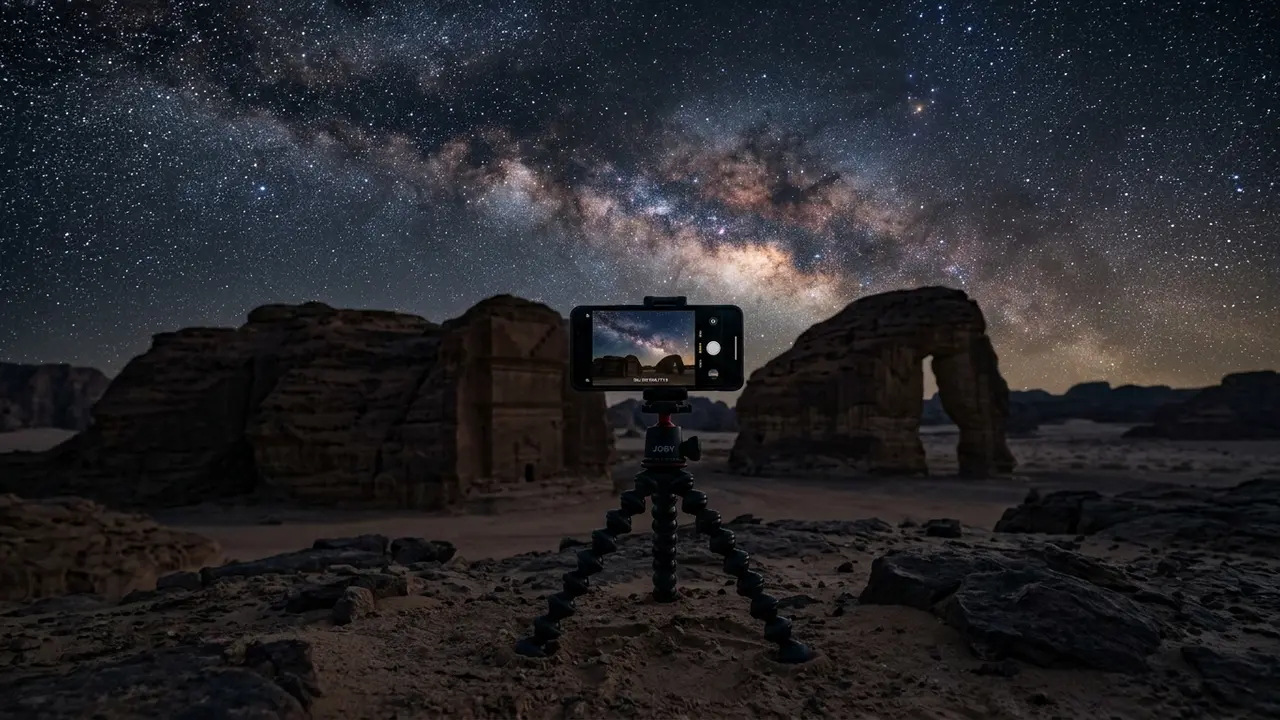
Can your phone actually capture AlUla's night sky?
Yes, if you know where to point it. AlUla's AlGharameel and Manara reserves were named a Dark Sky Park by DarkSky International in 2024[1]. That is not a marketing line. It is the reason a smartphone stands a real chance out there: the darker the sky overhead, the less computational work the phone's camera has to do to find something worth exposing for.
A phone camera does not see the night sky the way a dedicated astrophotography camera does. It has one small lens, a fixed aperture, and a sensor built for daylight, so it leans almost entirely on computational photography, stacking a burst of short frames into one brighter image, to make up the difference. Where the sky is genuinely dark, that trick works. Where a hotel's floodlights or a heritage site's security lighting bleed into the frame, the same processing mostly amplifies the glow along with the stars, and no setting fixes that.
2,334 km²
If you have not picked your night yet, AlUla Stargazing covers when the reserves run darkest and how the Gharameel excursion is structured, since none of the settings below matter until you are standing under a sky worth photographing in the first place.
iPhone and Android settings for AlUla's night sky
Open the Camera app, point it at the sky, and Night Mode should switch on by itself once it is dark enough to need it. On an iPhone 15 Pro, a usable Milky Way frame came from roughly a 10-second exposure at ISO 5000, shot at the phone's fixed f/1.8 aperture[2]. Tap the Night Mode icon in the top-left corner and drag the exposure slider up yourself rather than trusting the automatic guess, which tends to undershoot a scene this dark.
Across phones generally, ISO 1600 is a reasonable starting point, and results often sharpen up somewhere in the ISO 1600 to 3200 range depending on how dark the sky actually is, paired with a shutter speed of 15 to 30 seconds[3]. The two settings trade off against each other: push the shutter longer before you push ISO higher, because a longer exposure gathers real light while a higher ISO mostly adds grain and noise the phone then has to smooth away.
If your phone shoots ProRAW or an equivalent RAW format, turn it on before you head out. ProRAW gives you far more room to edit the shot after the fact, and Night Mode's slower shutter is what actually lets the camera pick up stars more clearly[4], so both are worth switching on rather than leaving either on automatic.
| Setting | iPhone Night Mode | Manual/Pro Android mode |
|---|---|---|
| Exposure | 5-30 seconds, mostly auto-detected | 10-15 seconds, set by hand |
| ISO | No manual override on most models | 800-1600, adjustable slider |
| Focus | Tap a star to lock | Manual ring set to infinity |
| Best for | Fast setup under a bright Milky Way | Fine-tuning a fainter sky |
A few habits separate a sharp frame from a blur:
- Turn the flash off entirely, not just to auto
- Lock focus by tapping the brightest star in frame and holding
- Brace the phone against something solid before the shutter fires
Phones without a manual camera mode
A phone with no Pro or manual mode is not ruled out, but it leans harder on its own automatic night processing, and results vary more by model than by anything you can adjust yourself. If your phone predates roughly 2019 or has no way to control shutter speed directly, the honest answer is that borrowing a friend's newer phone will do more for your AlUla photos than any setting in this guide.
Cheap tripods and mounts for AlUla's sandstone and sand
Holding a phone by hand cannot keep it still through a 10-second exposure, not even close. A tripod is not optional here. It is the single biggest factor between a sharp frame and a blurred smear, because the sensor records every small tremor as motion across the whole exposure window, and a phone's frame-stacking cannot undo that afterward.
You do not need to spend much. A basic travel tripod with a Bluetooth shutter remote is a budget option that folds down small, useful since tapping the screen directly shakes the frame just enough to blur a long exposure. The Joby GripTight ONE GP Stand trades a flat tripod stance for bendable legs that wrap around a handrail or other vertical structure[5], which matters more on AlUla's sandstone and loose sand than it would on a hotel balcony. Flat, level ground near the desert reserves is not guaranteed, and a standard tripod's three straight legs do not always find purchase on an uneven rock shelf.
Featured · Destination
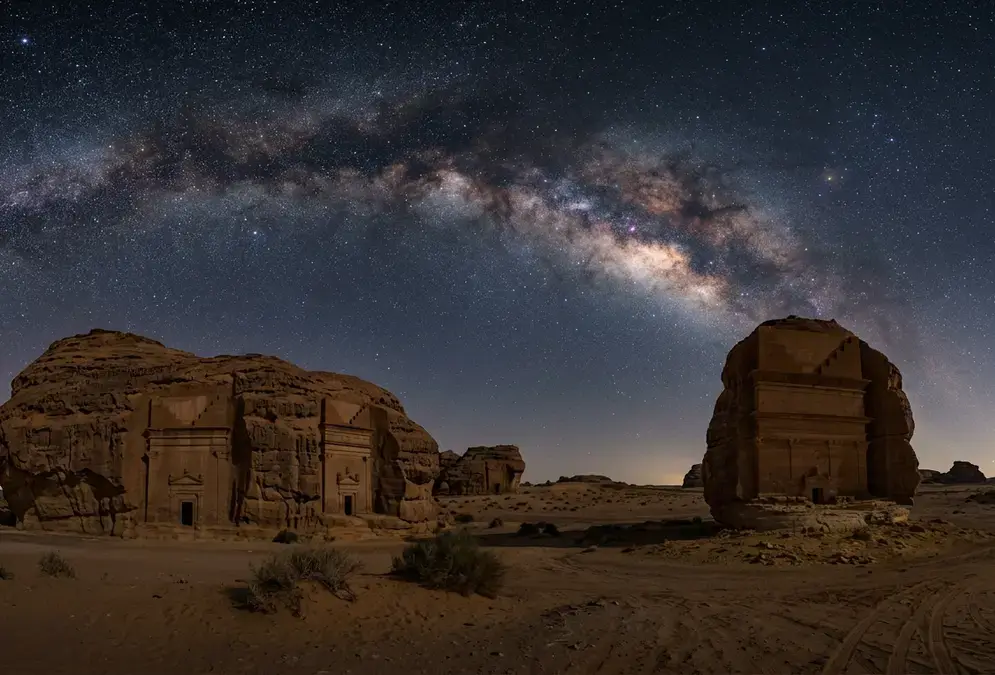
AlUla Stargazing
Stargaze above Hegra's 2,000-year-old Nabataean tombs in AlUla, the Gulf's first DarkSky-accredited Dark Sky Park. When to go, where to stay, and how to plan.
Whatever you bring, check that it comes with a phone mount clip. Most budget tripods in this price range do not include one by default, and a tripod without a way to actually hold your phone is dead weight in your bag. If you are booking the official desert excursion, Stargazing at Gharameel covers what the guided night itself involves, tripod included or not.
Battery care: AlUla's heat by day, cold desert night
AlUla's desert does not just get cold after dark. It runs hot beforehand, and that swing is worth planning around even though no AlUla-specific research documents it directly. Apple's published operating range for an iPhone is 0°C to 35°C, or 32°F to 95°F[10], and a phone left in direct sun or on a car dashboard during a desert afternoon can push past that ceiling well before the stargazing session even starts. Keep the phone in shade or a bag during the day, not on the dashboard, and give it time to cool before you head out at dusk.
The cold half of that same range matters more once the sky turns properly dark. Cold thickens a battery's electrolyte and slows ion movement, raising internal resistance, and a phone reads noticeably lower on battery percentage in the cold than the same charge would show back at a warm hotel room[6]. AlUla's desert nights in the October-to-April stargazing season rarely drop far below freezing, but even a milder chill pulls a phone down faster than usual.
Recommended tours
Tours are selected for quality, not commission. I earn a small fee if you book — at no extra cost to you.
Two habits do more good than any setting. Keep your phone in Low Power Mode on iOS or Battery Saver on Android while you are out in the cold[7], since it cuts background drain from processes and cellular searching you do not need anyway once you are standing still watching the sky. And never plug in a phone that is still cold from being outside. Charging a battery while it is still near-freezing can cause permanent damage, so let it come back toward room temperature first[8].
0-35°C
A short checklist for the cold half of the night:
- Keep Low Power Mode or Battery Saver switched on while you're out in the desert
- Keep the phone in an inner pocket between shots, not a bag or camera case
- Let a cold phone warm up before you plug it in
What a phone can, and can't, actually capture
A tripod-mounted phone under a properly dark sky can pull in more than most people expect: a genuinely detailed frame of the Milky Way's core[9]. Fainter deep-sky targets are a different story — those typically need a phone paired with a smart telescope mount rather than a bare handheld setup[9]. Smartphone sensors stay small and limited next to a dedicated astrophotography camera, and a phone will never resolve the fine detail a mirrorless body with a fast, wide lens captures at the same spot. Ready to make that jump? AlUla astrophotography gear covers the camera, lens, and tripod that pick up where a phone leaves off.
Be honest with yourself about what you actually saw before deciding your phone let you down. If the Milky Way was bright enough to pick out its dust lanes with the naked eye, your phone should manage something close to that. If the sky was a faint gray haze you had to squint at, no setting in this guide will rescue that frame. Check the moon phase before you commit to a night. AlUla stargazing forecast covers reading cloud cover and moon phase together, since a bright moon washes out fine Milky Way detail here the same way it does anywhere else on Earth.
Fitting this into a Gharameel stargazing trip
None of this comes from AlUla's own tourism material. The official Stargazing at Gharameel excursion, a multi-hour evening excursion into the reserve with dinner included, does not publish its own camera settings for guests, and neither does Experience AlUla's wider site or the reserve's Dark Sky Park listing. Treat the technique in this guide as general smartphone-photography practice you bring with you, not instruction endorsed by the tour itself.
Pack for the cold half of the night too. The AlUla packing list covers the layering system that keeps you comfortable long enough to actually use these settings, since a shivering photographer rushes the shot and a warm one does not. Between a charged phone, a cheap tripod, and a jacket you actually brought, you are better equipped for AlUla's night sky than most people who show up with an expensive camera and no plan for the cold.