Why Big Bend's Bortle 1 Sky Doesn't Need a $2,000 Camera
Big Bend National Park has the least light pollution of any other national park unit in the lower 48 states[1], and that matters more to a smartphone than to almost any other camera on the market. A sky this clean gives even a small phone sensor enough contrast to register the Milky Way's brightest band, something the same phone would fail to do a few miles outside any city. The National Park Service made the darkness official rather than aspirational: Big Bend was awarded International Dark Sky Park status by the International Dark-Sky Association back in 2012[2], a designation earned through years of measured sky-brightness readings, not tourism copy.
the least light pollution of any other national park unit in the lower 48 states
For a casual visitor with nothing but a phone in hand, that's the entire pitch. You don't need a full-frame camera, a fast wide-angle lens, or a decade of manual-exposure practice to bring home a photo worth showing off here; the Big Bend astrophotography gear guide covers that deeper, dedicated-camera path if a phone photo turns into a real hobby. What you do need is timing. The Milky Way's core is visible roughly March through October, brightest in summer, so a phone-only trip built around a new-moon week in that stretch does more for the final photo than any camera setting will. Big Bend National Park itself, rated Bortle Class 1 in its darkest corners, does most of the work before you've touched a single setting.
Turning On Night Mode: The Setting That Makes This Guide Possible
Night mode has been standard on flagship phones for several years now, made possible by bigger sensors that gather more light per pixel than older phone cameras ever could. Point a modern iPhone or Android flagship at a genuinely dark sky, tap the night mode icon, and the phone will often extend the exposure on its own, sometimes past 10 or 20 seconds, stacking several frames into one image with far less noise than a single long exposure would produce.
That's the mechanism, but a few habits matter more than any specific slider:
Featured · Destination
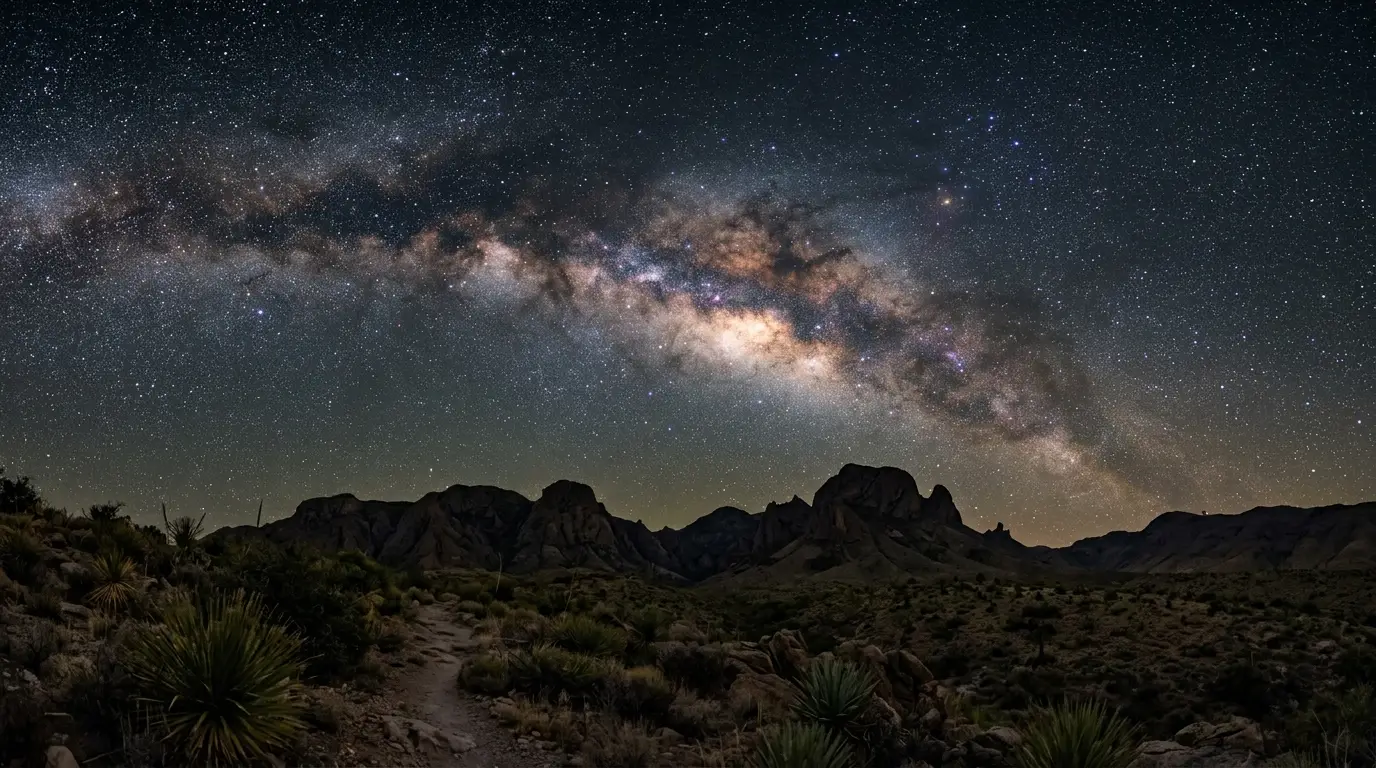
Big Bend National Park
Big Bend National Park is Bortle Class 1, the darkest rating the Bortle scale has. What that dark sky rating means on the ground, and the best months to go.
- Turn off flash entirely. It does nothing at stargazing distance and only wrecks your night vision
- Switch to the phone's manual or Pro mode if it has one, and drag ISO and shutter speed yourself rather than trusting full auto to guess at a dark landscape
- Tap to focus on the brightest star you can see, or switch to manual focus and set it to infinity, since autofocus hunts uselessly against a black sky with nothing to lock onto
- Turn off portrait mode or live photo before shooting; both interfere with a long night-mode exposure
None of this requires software beyond what ships on the phone. A dedicated app buys extra control, covered further down, but the built-in camera app on a recent iPhone or Pixel is a genuinely capable starting point under a sky this dark.
The Tripod Problem: Why a Steady Phone Beats a Better Phone
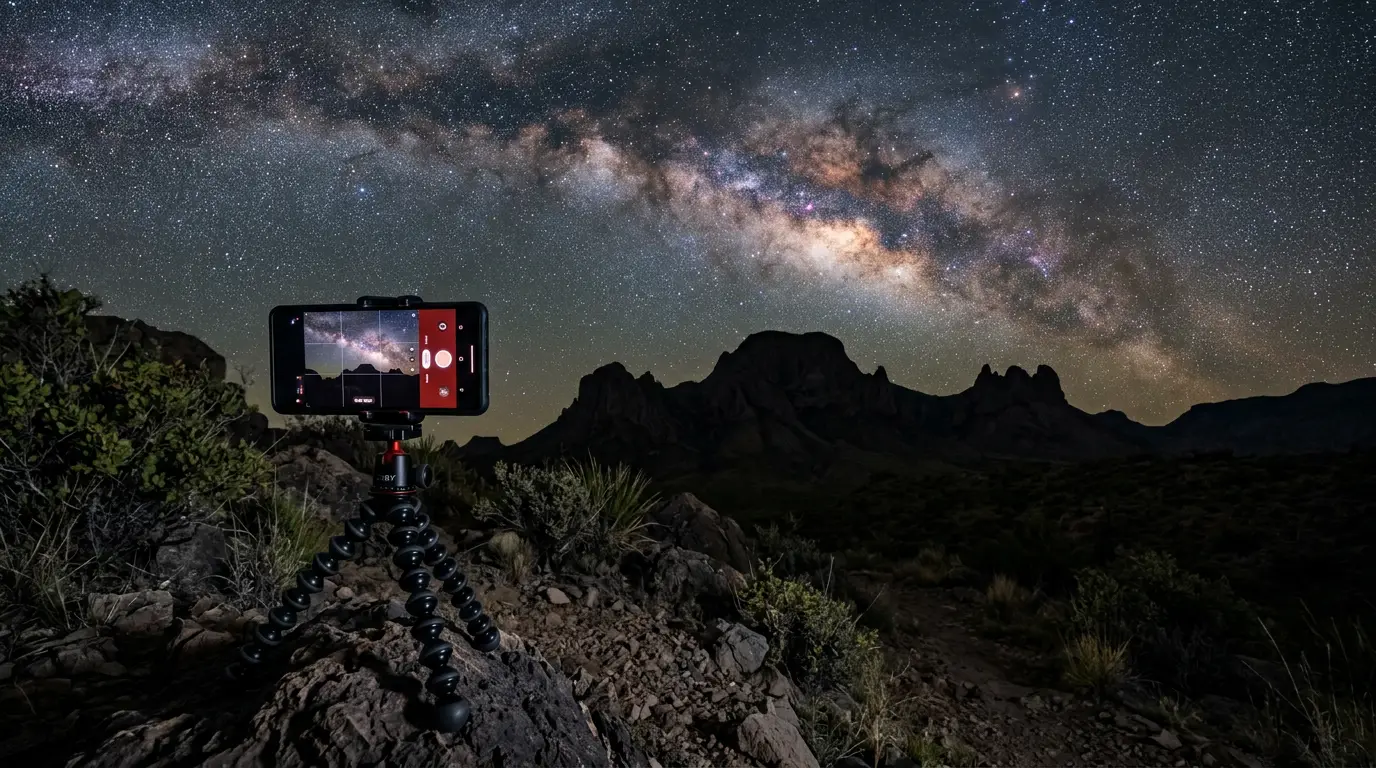
A tripod does wonders for smartphone night sky photography[3], since holding a phone steady through even a one-second exposure is critical to a sharp shot. A casual phone tripod doesn't need to be expensive or bulky: a cheap tabletop tripod with a spring-loaded phone clamp does the job as well as anything larger, since a smartphone weighs almost nothing next to a camera body and lens. What matters more is footing. Set the whole rig on rock or packed dirt rather than loose sand, which shifts slightly as the ground cools overnight and can blur an otherwise sharp shot partway through the exposure.
The other habit worth building: never tap the shutter button directly on the screen. Support the phone against something solid, and if you have a pair of connected headphones handy, use the volume button to trigger the shutter instead[4]. That one swap removes the single most common cause of a blurry night-mode shot: the photographer's own thumb pressing the screen. For the wider gear rundown, layers, water, headlamp, and everything else a desert night demands beyond the tripod itself, see the Big Bend desert stargazing packing list.
Framing the Shot: Where to Point Your Phone at Big Bend
A smartphone's fixed, wide-ish lens actually suits Big Bend's landscape better than it suits most Milky Way locations. You don't need to zoom or swap glass; you need a foreground. Point the phone toward Santa Elena Canyon's sheer walls, the open horizon at Sotol Vista, or the river itself at Rio Grande Village, and let night mode handle the exposure math while you focus on composition instead.
A few framing habits carry more weight than any camera setting:
Read next · Article
Best Stargazing Spots in Big Bend: 6 Places to Know
NPS names Sotol Vista and the Rio Grande overlook for stargazing, not Chisos Basin or Santa Elena Canyon. Here's what each of Big Bend's six spots offers.
- Get something in the foreground. A canyon wall, a yucca stalk, the silhouette of the Chisos Mountains; a bare sky with nothing else in frame reads as flat and forgettable on a phone screen
- Shoot low and wide rather than pointing straight up. The Milky Way's core sits closer to the horizon than most beginners expect
- Brace the phone against a rock or the car if a tripod isn't within reach, better than a shaky handheld shot even in night mode
For a full breakdown of which of the park's viewpoints suits which kind of foreground, best stargazing spots in Big Bend covers all six in more depth than a phone-focused guide has room for.
Battery Survival: A Desert That Swings From Baking to Freezing
Big Bend's climate does something no camera setting can fix: it puts a phone battery through both extremes of its comfort zone, sometimes in the same day. Apple says iPhones are designed to perform best in an ambient range of 0°C to 35°C (32°F to 95°F)[5], a range representative of most modern smartphones and wide enough for most of the year almost anywhere. Big Bend tests both edges of it. Down at Rio Grande Village, spring days commonly climb into the 90s and can top 100°F, with nights staying in the 40s to 60s based on the park's published monthly averages, while winter flips the pattern: daytime highs in the low-to-mid 70s along the river, but nights that regularly drop into the 30s, colder still up in the Chisos Basin, where winter highs run only in the upper 50s to low 60s.
Cold is the more common problem for a night shoot, and it's mostly not permanent. Cold temperatures increase internal resistance inside the battery, and higher resistance forces the battery to work harder to supply the same amount of power, a temporary chemistry problem rather than lasting damage. A phone that shows 15% battery on a cold overlook at Sotol Vista and dies completely often comes back to 40% or more once it warms up again in a pocket or a car.
Featured · Article
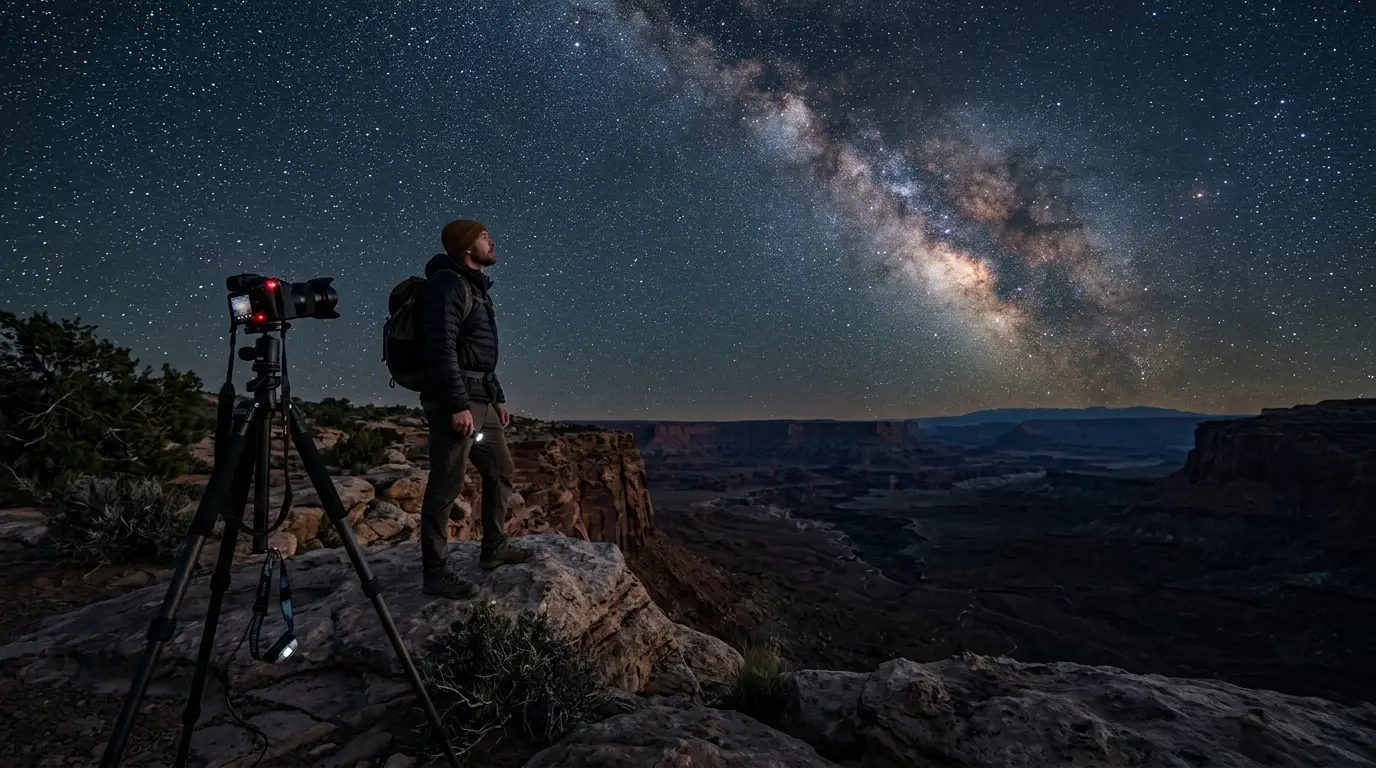
What Is Astrotourism? The Complete Beginner's Guide
Astrotourism means travel built around dark skies: meteor showers, auroras, the Milky Way. What it means, where to go, and how to plan your first trip.
Heat is the one that actually costs long-term capacity. Heat degrades battery capacity even faster than cold slows it down, and a thick, insulating phone case works against you either way, trapping heat in summer the same way it traps cold in winter[6]. A few habits handle both ends of that swing:
- Keep the phone in an inner pocket, against your body, between shots rather than sitting exposed on the tripod head
- Turn on airplane mode for the shoot; a phone burning battery searching for a signal that isn't there (cell coverage across most of Big Bend is limited to none) drains faster than one that's stopped looking
- Carry a small power bank, and keep it in an inner pocket too rather than a cold outer bag, since a cold power bank charges just as slowly as a cold phone
- Skip a thick case for a single night shoot, or swap to a thin one, rather than trusting it to manage both a hot drive in and a cold night out
Apps Worth Downloading Before You Lose Cell Service
The built-in camera app covers most of what a casual night at Big Bend needs, but a dedicated app buys real extra control for very little extra effort. NightCap Camera is a well-regarded option for exactly this kind of shooting: the app is specifically designed for low-light photography, with advanced features for star trails and the International Space Station[7], turning a generic night-mode tap into settings actually built for a dark sky rather than a dim restaurant.
Download whatever app you plan to use before you leave cell coverage behind, not after. The same goes for any star-map or planetarium app used to find the Milky Way's core in the sky. Past Panther Junction, there's no data connection left to fetch one.
| Feature | Built-in night mode | NightCap Camera |
|---|---|---|
| Cost | Free, built-in | One-time app purchase |
| Advanced presets for star trails, ISS | No | Yes |
| Manual ISO and shutter control | Limited on most phones | Full manual control |