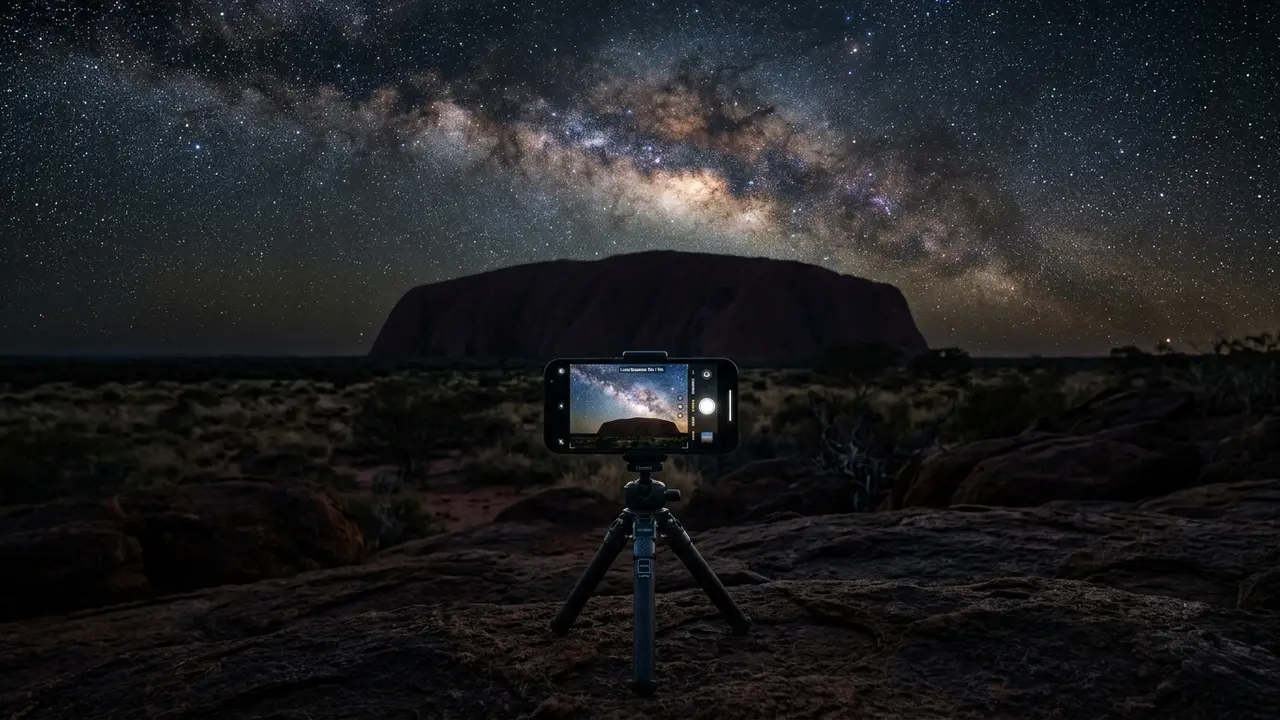

Your phone really can shoot Uluru's Milky Way
Most people assume a phone camera is useless once the sun goes down, then they see someone's photo from a stargazing tour at Uluru and assume it must be a proper camera. It usually isn't. Modern computational photography on iPhones and Android phones already does most of the heavy lifting that used to require a dedicated camera, a wide lens, and a working knowledge of manual exposure.
What changed is stacking and noise reduction happening automatically, inside the phone, in the seconds after you press the shutter. Point a phone with Night mode or Astrophotography mode at a genuinely dark sky, keep it dead still for the length of the exposure, and the phone assembles a photo brighter and cleaner than any single quick frame could capture. Uluru-Kata Tjuta National Park's remoteness is exactly the kind of dark sky this technology needs to work. Away from Yulara's lights, the sky turns properly black within minutes of sunset, and the Milky Way's band shows up as a pale smear to the naked eye well before it's dense enough for a phone to register it clearly.
None of this replaces a dedicated camera and tracking mount for anyone chasing a magazine-cover shot; that's a different trip, covered in Uluru astrophotography gear. This piece is about what the phone already in your pocket can do, tonight, without buying anything. Bring what you already own, find a genuinely dark patch of desert, and give it the fifteen or twenty minutes that patience, not gear, actually buys you.
iPhone Night mode: getting a Milky Way shot
iPhone Night mode kicks in automatically once the camera detects low light, and normally caps itself around a few seconds unless the scene is dark enough to justify more. In the kind of darkness available once you're well clear of Yulara's lights after dark, whether that's the resort grounds, a Lasseter Highway pullout, or a licensed night tour like Uluru Astro Tours, which holds special after-hours access to shoot from inside the park itself, that ceiling extends well past a quick snapshot. iPhones can typically hold a Night mode exposure for up to about 10 seconds in ordinary low light, and reportedly longer, up to roughly 30 seconds, once the sky is genuinely dark[1].
That extra exposure time is exactly what a Milky Way shot needs, and it's also exactly what makes camera shake ruinous. A handheld phone moves more than most people realize over a 10 to 30 second exposure, blurring the very stars you're trying to capture. Steady the phone first (the next section covers how), then let Night mode do its job rather than fighting it by tapping the screen mid-exposure.
10-30 seconds
A few habits make the difference between a smear and a photo worth keeping:
- Tap to set focus on the horizon or a bright star, not the sky's middle distance
- Push the exposure slider up manually if the phone offers one, rather than trusting the automatic cap
- Use the volume button or a self-timer instead of tapping the screen, since even a light tap shakes the frame
- Wait for the full countdown Night mode displays before moving the phone at all
None of this requires buying anything new. It requires patience, a still phone, and a full ten to thirty seconds of not touching it.
Google Pixel Astrophotography mode: what it needs from you
Google's Astrophotography mode, part of Night Sight, works on a stricter rule than the iPhone's Night mode: it needs the phone to not move at all, not even in your hand. Google's own instructions are direct about it: point the phone at the sky, set it down somewhere steady like a stand or tripod, and don't use your hands[2]. That's not a suggestion for a sharper shot. It's how the mode functions at all.
The Pixel checks the scene itself before switching modes on. When the device is still and the camera detects real darkness, the shutter automatically changes to Astrophotography mode[3], stacking a series of long exposures into a single frame with far less digital noise than one long exposure alone would show. Plan on standing next to the phone for a couple of minutes once the shutter starts, not a couple of seconds.
The practical upshot for a stargazing session at Uluru: don't hold the phone at all once Astrophotography mode kicks in, and don't check it mid-exposure either. Set it down, step back, and let the countdown finish before you touch it again.
Plan on standing next to the phone for a couple of minutes once the shutter starts, not a couple of seconds.
Steadying the shot: tripods, clamps, and desert-ready workarounds
Every technique above assumes one thing: the phone isn't moving. A cheap mini tripod or a phone clamp that screws onto a full-size tripod solves this outright, and either packs small enough to disappear into a day bag alongside everything else on a stargazing trip.
No tripod in the bag doesn't mean no photo. Uluru's stargazing tours hand groups plenty of flat, stable surfaces to work with: the roof of a parked vehicle, a low wall at a viewing area, even a rolled-up jacket wedged against a fence post. A dead-still improvised support beats a tripod held with shaking hands. What matters is genuine contact with something that isn't your own arms, and here's a rough ranking of what actually keeps a phone still enough for a 10 to 30 second exposure.
Whatever you end up using, test it on the very first exposure of the night rather than partway through the tour. A support that wobbles on a bumpy folding table is easy to fix in the first minute and much harder to notice on a photo you already assumed was sharp.
| Support | Stability | Packs small? |
|---|---|---|
| Full tripod + phone clamp | Excellent, no wind sway | No, bulkiest option |
| Mini tripod / tabletop tripod | Good on flat ground | Yes, fits in a pocket |
| Braced against a fixed surface (vehicle roof, wall, post) | Good if genuinely still | No gear needed |
| Handheld, braced against your body | Poor, rarely still enough | Yes, but rarely usable |
What you can (and cannot) photograph inside the park
Uluru-Kata Tjuta National Park is jointly managed by the Anangu, the land's Traditional Owners, and Parks Australia, and that joint management shapes what a camera is allowed to point at. Some sites inside the park are culturally sensitive and sacred to Anangu, and photography of them is restricted at Anangu request[4]. This isn't a vague courtesy guideline. It's a rule with specific, marked sites attached.
Those no-photography sites aren't left for visitors to guess at. They're identified on signage, on visitor maps, and on the park's official website[5], so anyone planning a visit with a phone or camera can check before they go rather than find out afterward. If a sign or map marks a site as no-photography, that rule applies at dusk exactly as much as it does at noon, whether you're shooting on a tripod or just holding up a phone. Worth noting here: this section covers what the camera is and isn't allowed to point at during park hours. Uluru-Kata Tjuta National Park closes nightly and every visitor has to be out by gate time, so for a general visitor shooting solo, any deep-night Milky Way shot with your phone happens from outside the park boundary: the resort grounds at Yulara or a Lasseter Highway lookout. A licensed operator is a different case. Uluru Astro Tours holds special after-hours access from Parks Australia and legally operates inside the park at night[6], so a guest on that tour is shooting from within the boundary general visitors have to leave.
Recommended tours
Tours are selected for quality, not commission. I earn a small fee if you book — at no extra cost to you.
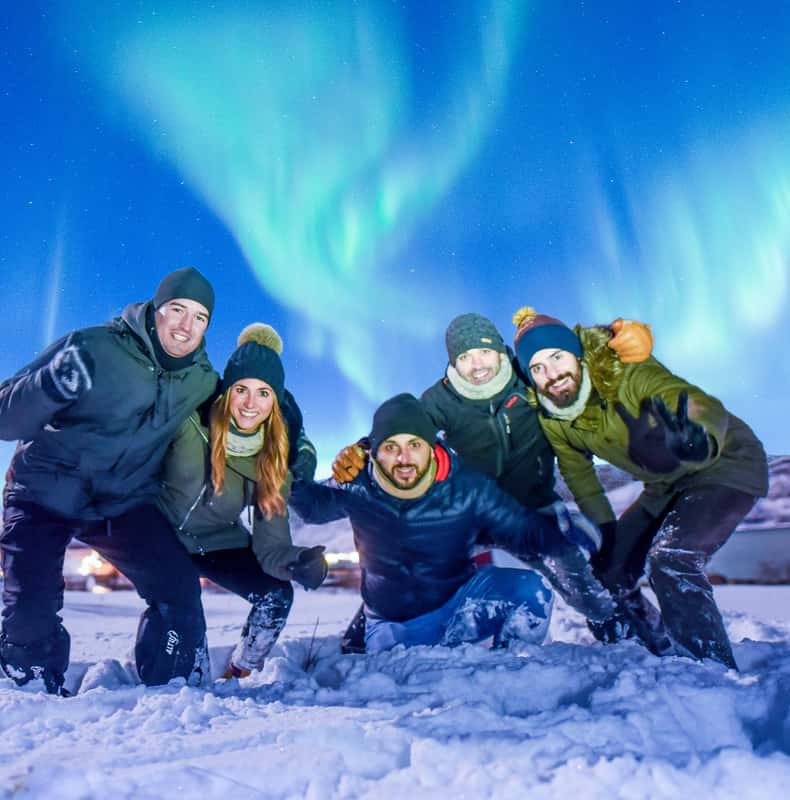
The good news for a casual visitor: general private-use photography doesn't need a permit at all. General visitors capturing content for private use do not require a permit[7]. That covers a phone shot of the night sky, the landscape, or your own group on a stargazing tour. The permit requirement only kicks in for media organisations or anyone capturing images for commercial or public use, and that group is asked to apply with 14 to 28 days' notice[8].
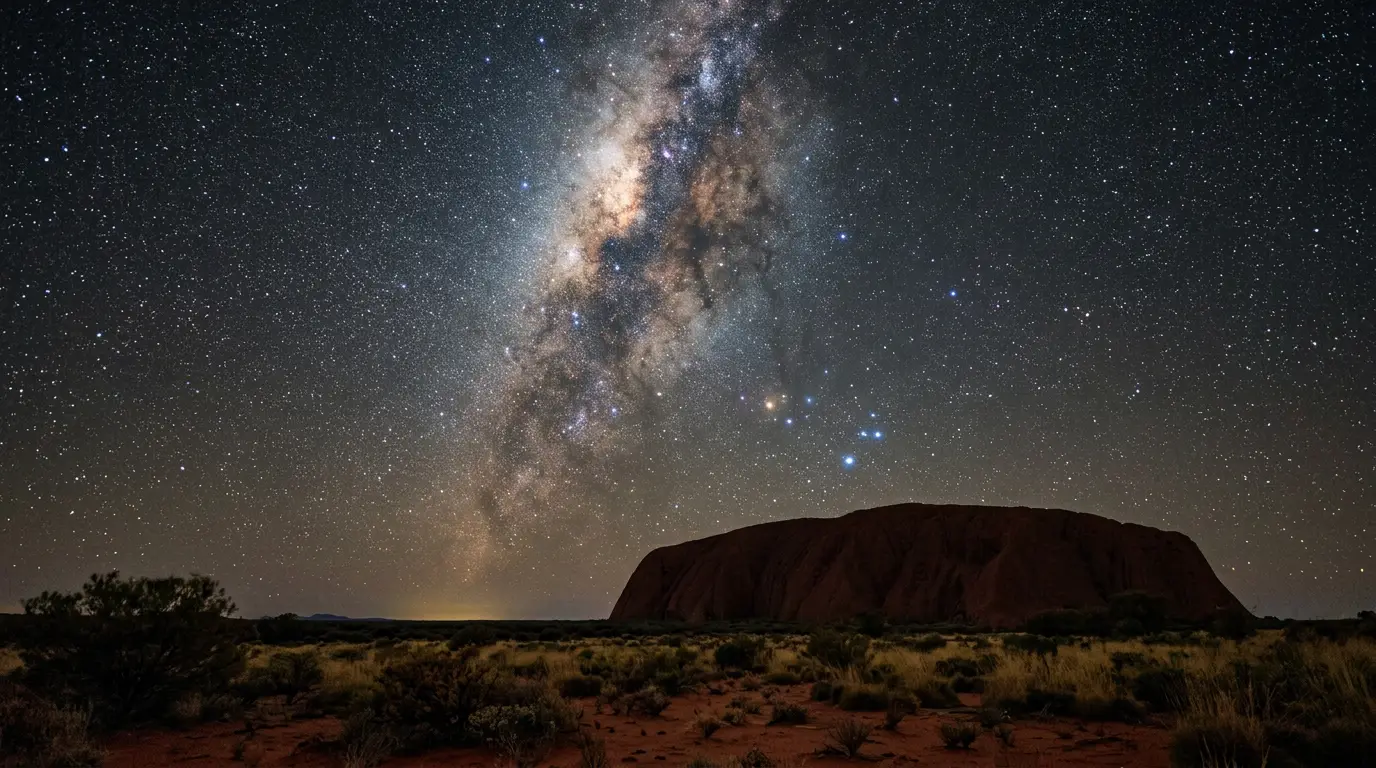
Featured · Destination
Uluru
Stargaze at Uluru on Anangu-owned, jointly managed land: the Milky Way's core, Magellanic Clouds and Southern Cross over Australia's red-centre outback.
Practically, that means pointing your phone at the sky and the open landscape is fine. Pointing it at a specific rock feature, cave, or waterhole the park has marked as restricted is not, no matter how good the light looks. For the fuller etiquette picture beyond photography, Uluru cultural significance and visitor etiquette covers the rest of what respecting Anangu culture looks like on the ground.
When to point your phone, and a before-you-go checklist
Timing matters more than gear. The Milky Way's galactic core sits low or below the horizon for part of the year and climbs higher, staying visible for more of the night, during the cooler months, so a phone shot taken in the right season starts from a genuinely better subject before you've touched a single setting. the month-by-month odds for a clear Uluru night and Uluru stargazing forecast both go deeper on picking a date; this piece is only a reminder that no phone technique fixes a night with the core sitting below the horizon.
Where you stand matters almost as much. A phone camera can't compensate for light pollution the way a longer camera exposure sometimes can, so a genuinely dark, unobstructed patch of sky, the kind best stargazing spots at Uluru maps out, does more for a phone shot than any setting in the camera app. Pick the spot first, then the technique.
A genuinely dark site does more of the work than most visitors assume: get the location and the steadying right and a phone camera most people already own can pull far more detail out of the night sky than a quick handheld snapshot ever suggests.
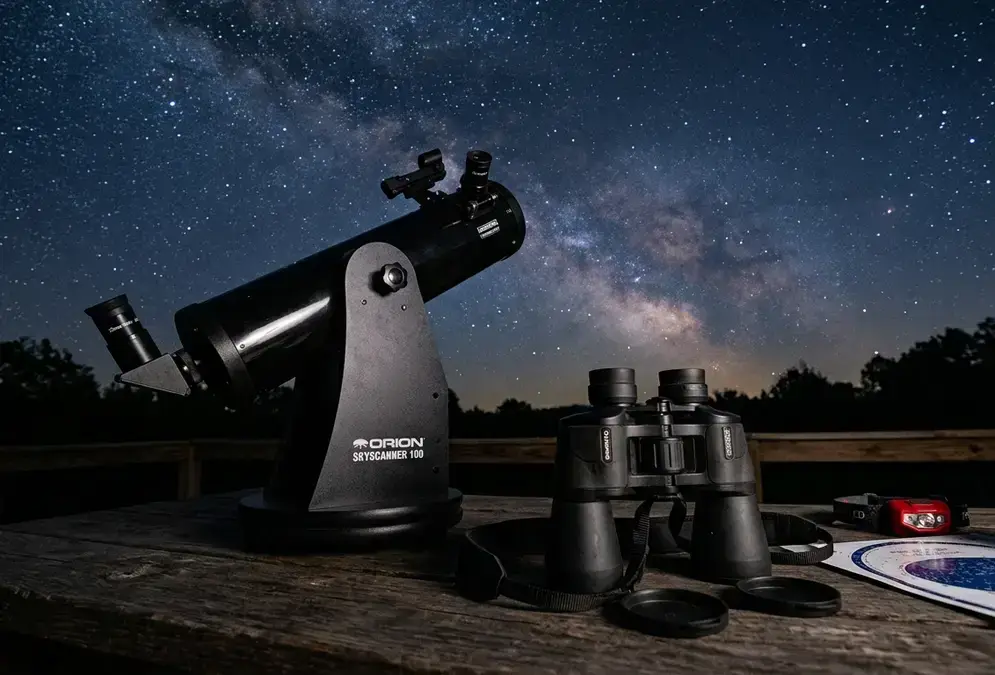
Featured · Article
Stargazing Gear for Beginners: Binoculars to Telescopes
New to stargazing gear? This guide breaks down binoculars, telescopes, and smart telescopes, so you know what to buy first and what to skip for right now.
Before heading out for a night under Uluru's sky, a short list covers most of what actually trips people up:
- Charge the phone fully; long exposures and cold desert-night air both drain a battery fast
- Turn on airplane mode, or at least silence notifications, since an alert mid-exposure ruins the frame
- Bring a mini tripod or phone clamp rather than planning to improvise on the night
- Check the park's signage or map for no-photography sites before you start shooting
- Keep expectations realistic: a phone shot won't match a tracked camera rig, but it will genuinely surprise you